


Athéna AI Content Assistant – Advanced Custom Fields (ACF®)
Overview
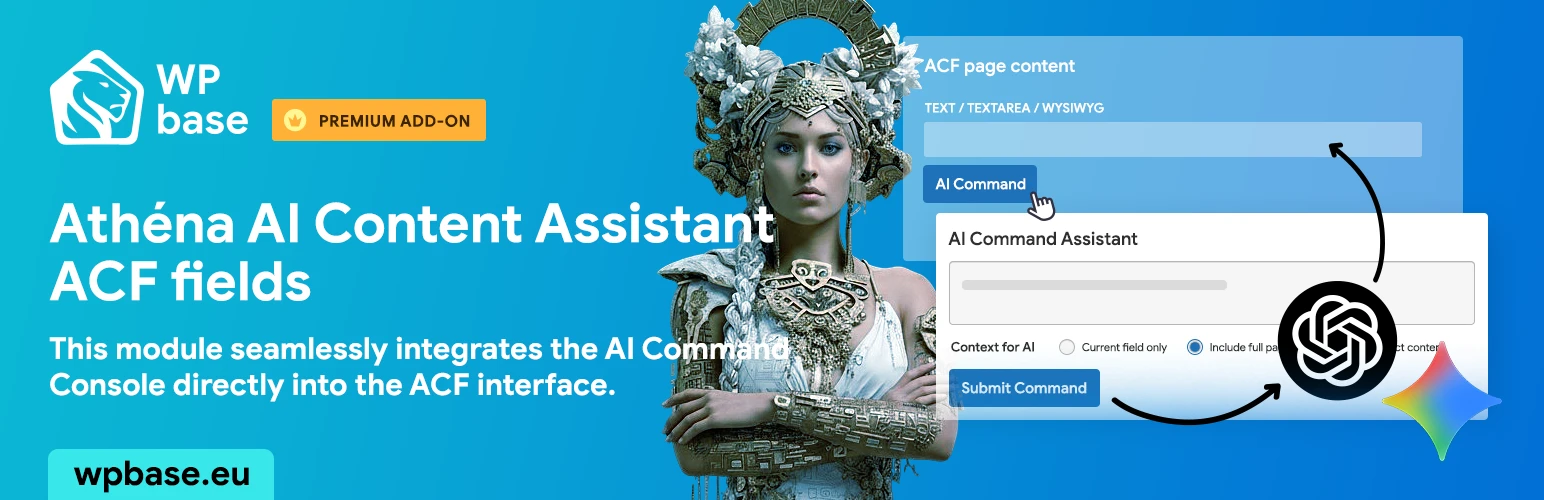
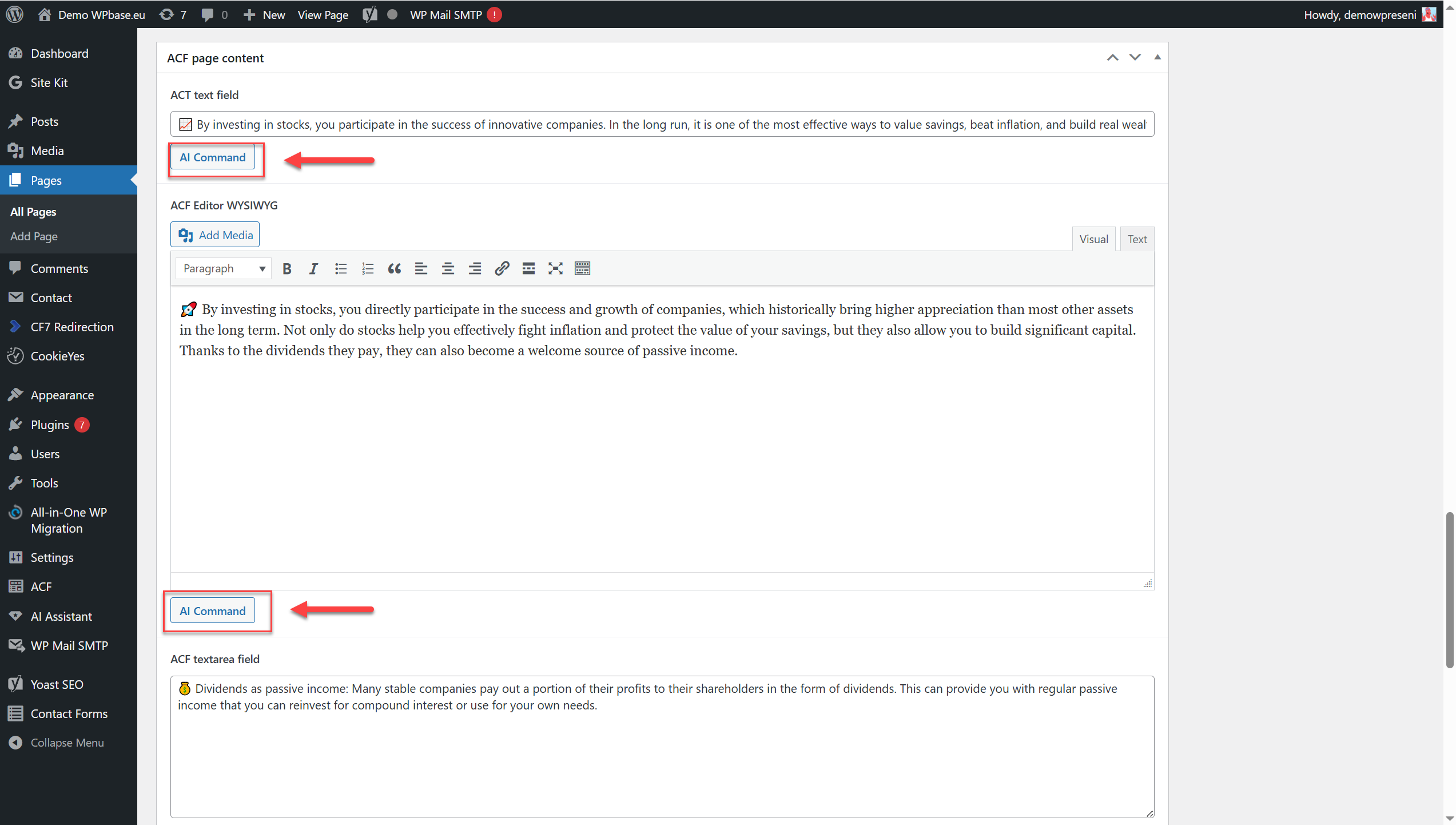
Bring the power of the AI assistant to your Advanced Custom Fields (ACF) setup. Stop the tedious task of manually populating complex field groups and start creating rich, structured content in a fraction of the time. This module seamlessly integrates the AI Command Console directly into the ACF interface on your post and page edit screens. Whether you need to generate creative content for a repeater field, rewrite technical data into compelling benefits, or simply populate your custom fields with high-quality text, the AI assistant is ready to help you build more sophisticated and content-rich websites with ease.
Features
What's the best thing about this premium module?
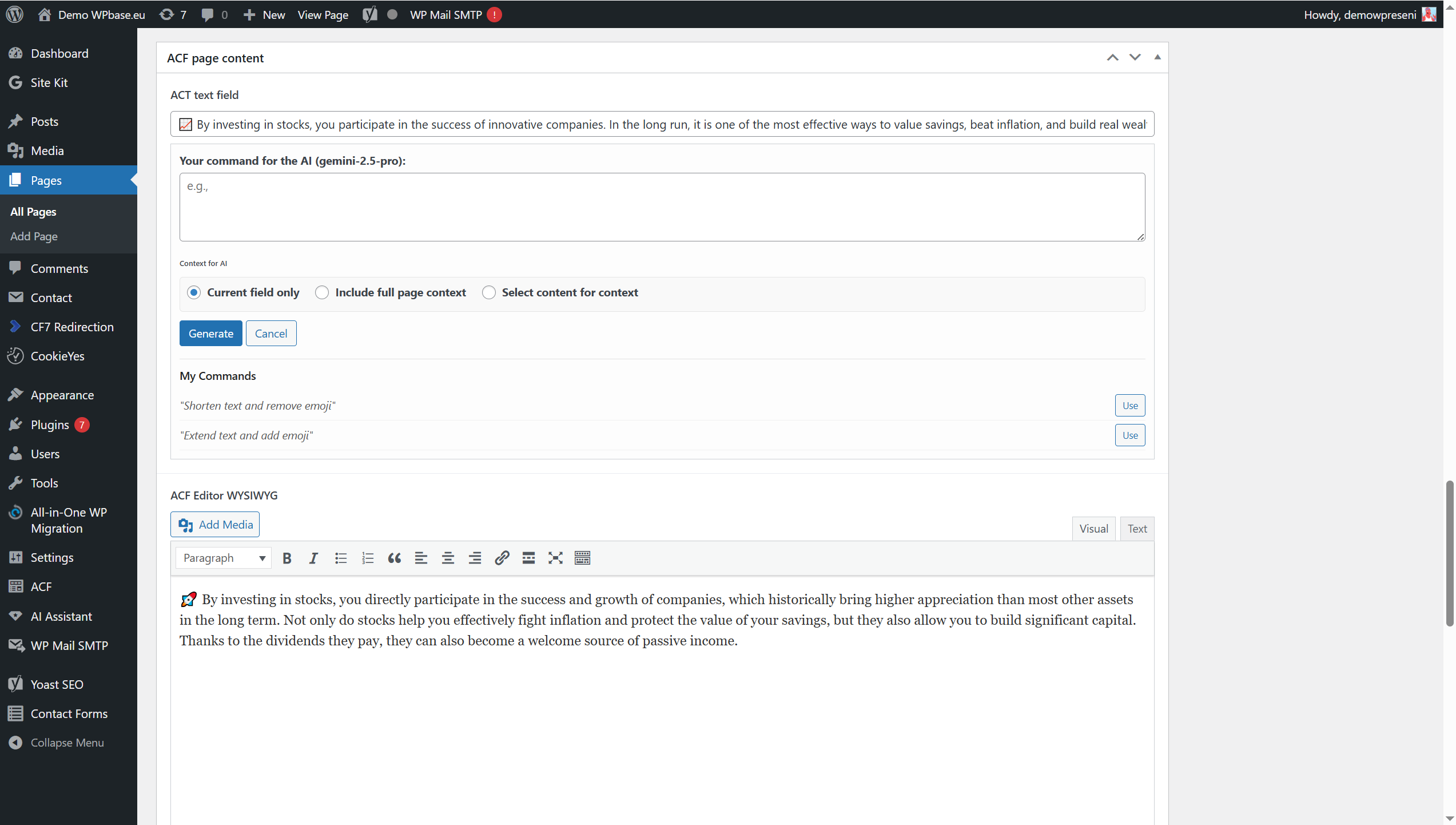
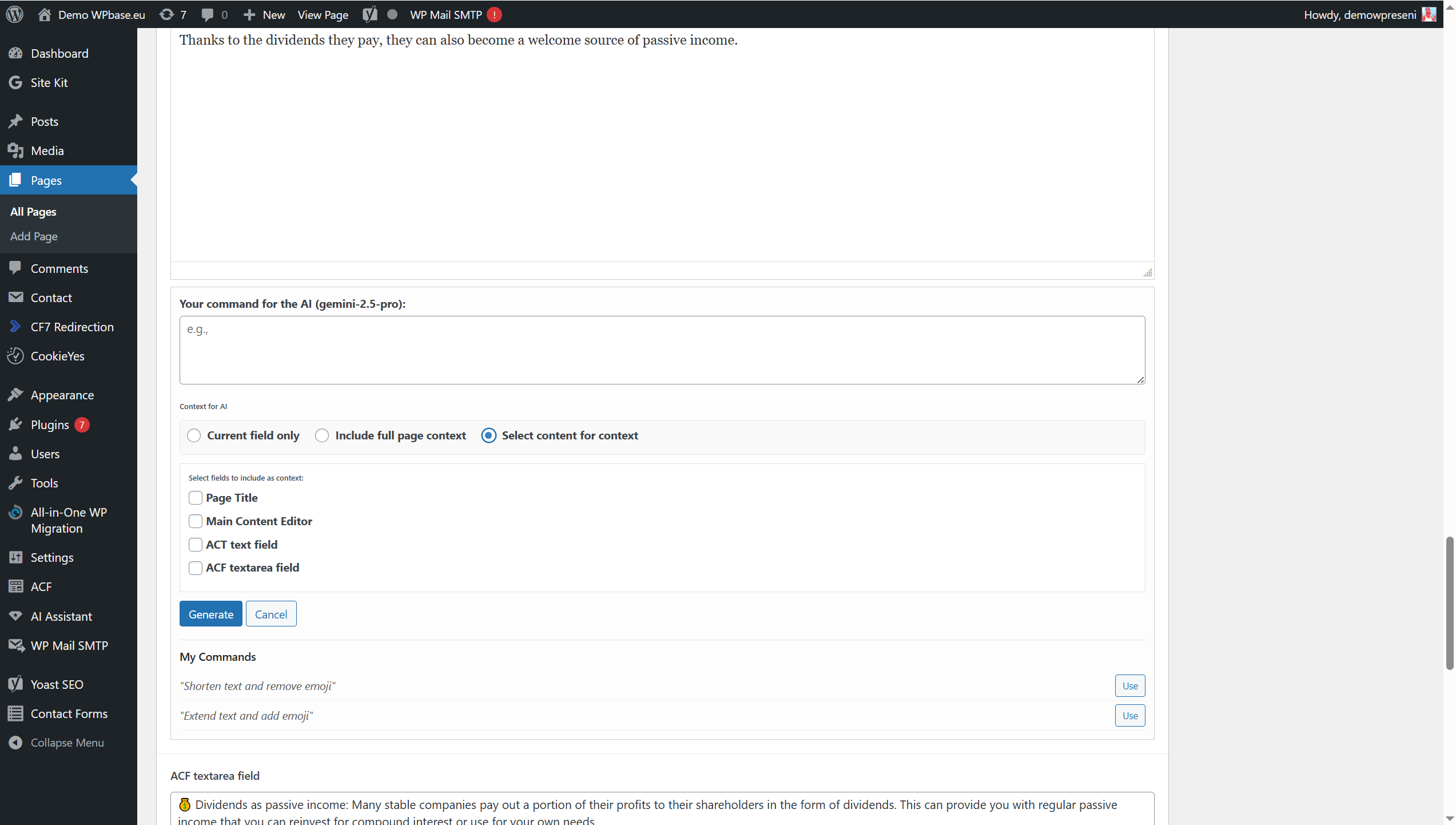
Advanced Context Selection: Don’t limit yourself to just the current field. You can choose whether to send the AI context as: Only the current field: For simple tasks and context-free generation. Full page content: The AI receives the title, main editor content, and all other ACF fields. Custom Selection: You can manually check which specific fields (including the title and main content) you want to use as context for the given task.
Full Support for Repeater and Flexible Content: The AI assistant is also available in dynamically added fields. Whether you add a new row to a “Repeater” or a new layout to “Flexible Content,” the button for an AI command will always be ready for use.
Integration with “Quick Commands”: If you use the Quick Commands module, you can select your saved and most-used commands with a single click directly in the ACF field interface. No need to retype anything.
Support for Major Text Fields: The module automatically integrates with the most-used ACF fields: Text, Textarea, and WYSIWYG editor.
Work with Existing Content: The tool isn’t just for generating “from scratch.” We always send the existing content of the field to the AI, so you can easily issue commands like “Shorten this text,” “Rewrite this more professionally,” or “Translate this paragraph to Spanish.”
Overview of the AI Model Used: Directly in the command window, you always see which language model (e.g., GPT-4o mini, Gemini 2.5 Flash) is currently being used, giving you full control.
Screenshots
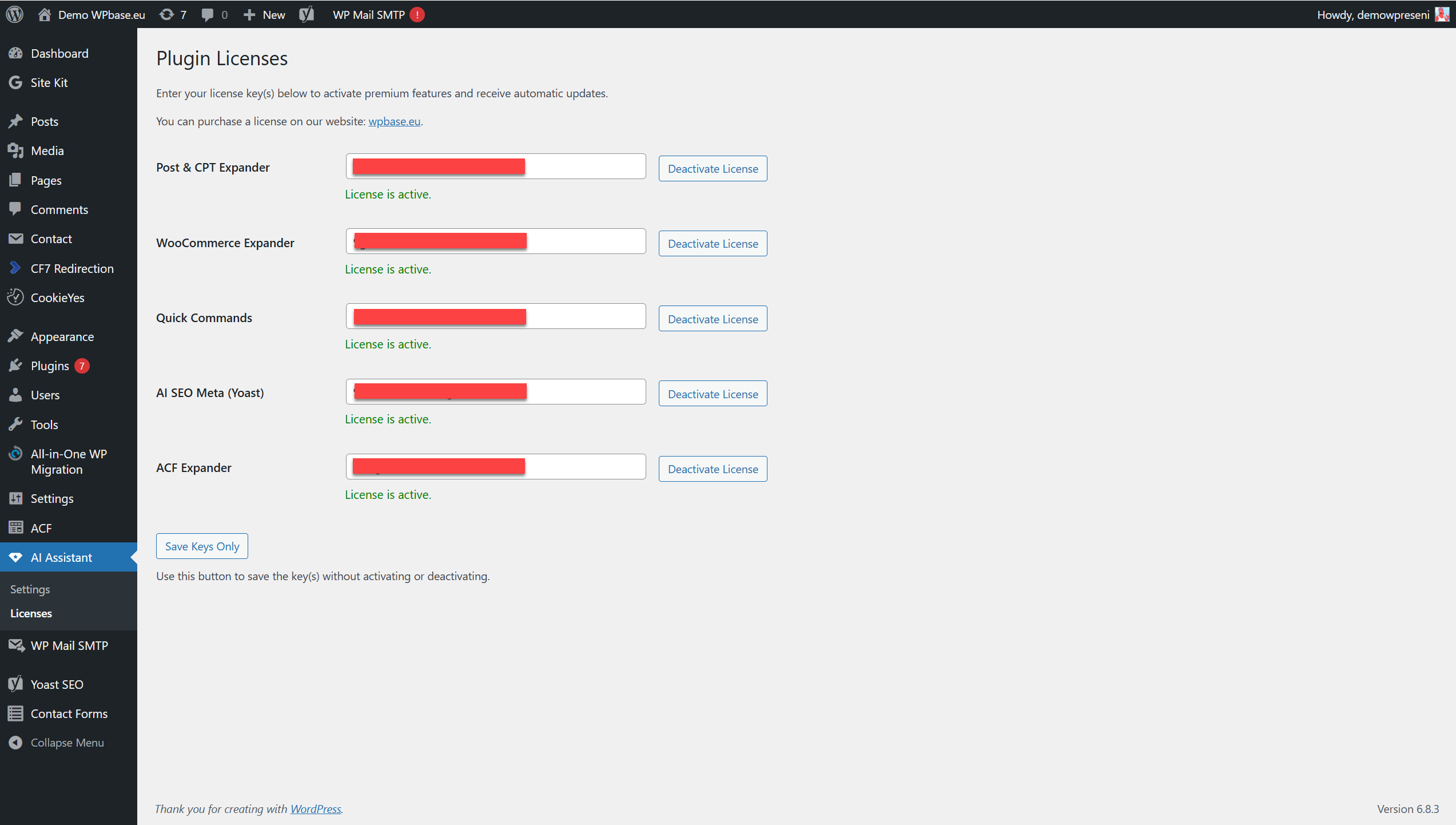
See what this premium module looks like.
FAQ - Athéna AI Content Assistant – Advanced Custom Fields (ACF®)
We answer your most frequently asked questions.
Athéna AI Content Assistant installation required!








Reviews
There are no reviews yet.